Start with your learners
Choose the target language, known vocabulary, interests and the next concept or objective. Plan for an individual, a group or a whole class.
 CradleSpeakExplore the collection
Create content around what your learners already know, then put it into a connected learning experience instead of a folder of disconnected handouts.
Choose the target language, known vocabulary, interests and the next concept or objective. Plan for an individual, a group or a whole class.
Use the app’s authoring workflow to create lessons and explanations against a vocabulary pool. AI features require their configured provider or credits; content purchases are separate.
Check the vocabulary report, revise the draft, and review its accuracy, natural phrasing and teaching fit.
Package suitable content and share it privately with your class through the authoring and enrollment-code workflow. Student access and seat limits depend on the pack configuration.
Connect with students through tutor pairing, assign vocabulary homework and view progress shared with you. Text and voice-note exchanges support feedback.
Author vocabulary-controlled explanations and lessons, then use private class distribution for approved packs.
Tutor pairing supports homework, messages, voice notes, availability information and progress the student chooses to share.
The same approach can support home learning. You do not need to be a professional tutor; arrange a knowledgeable language reviewer when needed.
Private class sharing uses enrollment codes and per-student access. The existing workflow supports up to 30 free seats per pack; larger groups require an institutional arrangement. Buying a personal content pack does not automatically license unlimited classroom copies.
Teachers, tutors, homeschool parents and language exchange partners can support a learner through a shared progress link or a teaching connection.
Choose words in the learner’s target language. Starplot, BodySpeak, Pocket Country, Kocos and Protect the Valley use assigned vocabulary to guide relevant practice.
Choose a Pocket Country town for practice, or assign a published SceneShift mission with a prompt, learning goal and optional due date.
Review the progress a learner shares with you, including homework words demonstrated in play. Use messages, voice notes and SceneShift submissions to guide your feedback.
Pocket Country and SceneShift currently support English and Hungarian. More languages are planned.
Learn how to assign homework ↗Try this sample draft: check the word list, spot the out-of-pool word and the missing lemma link, then see both corrections.
CradleSpeak checks lemmas against your vocabulary pool. An inflected word must be linked to an approved lemma. In the revision, the small “ball” above “balls” shows that link.
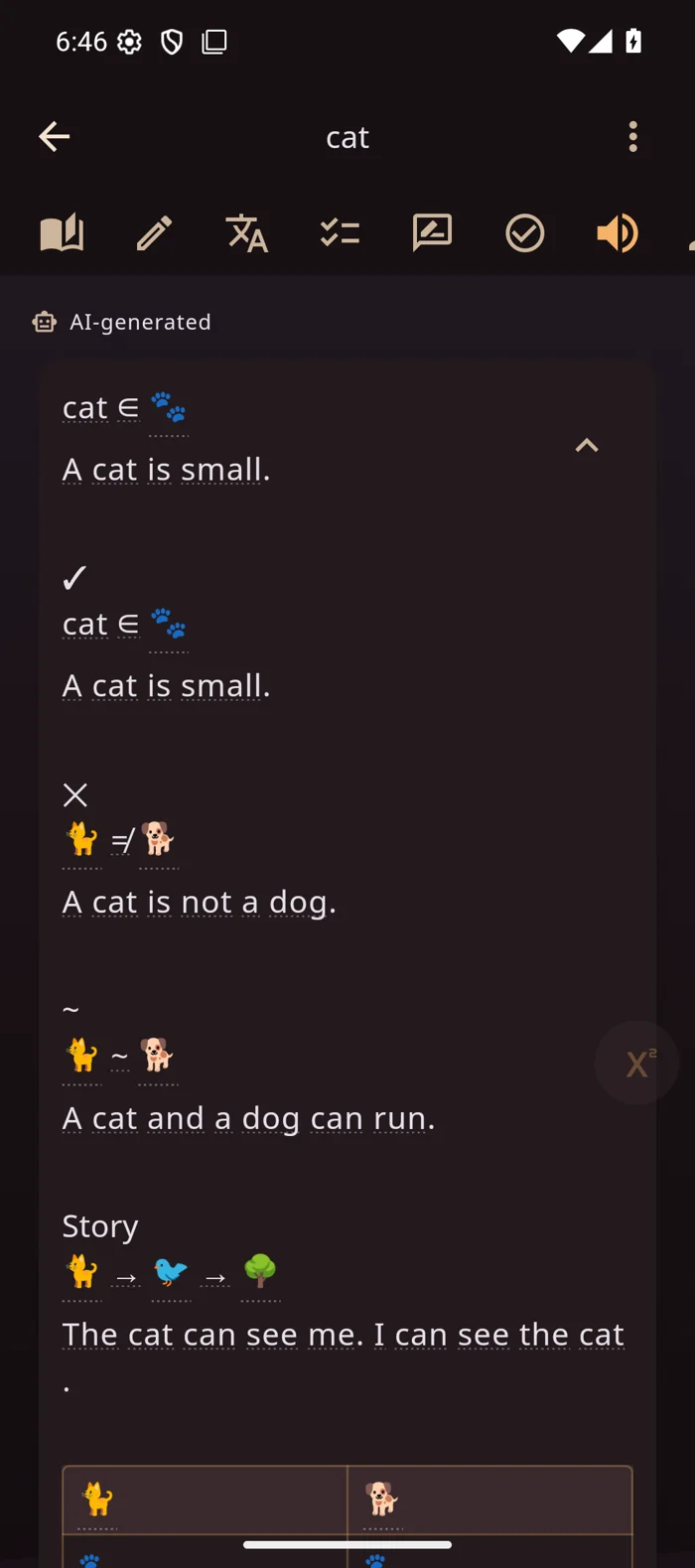
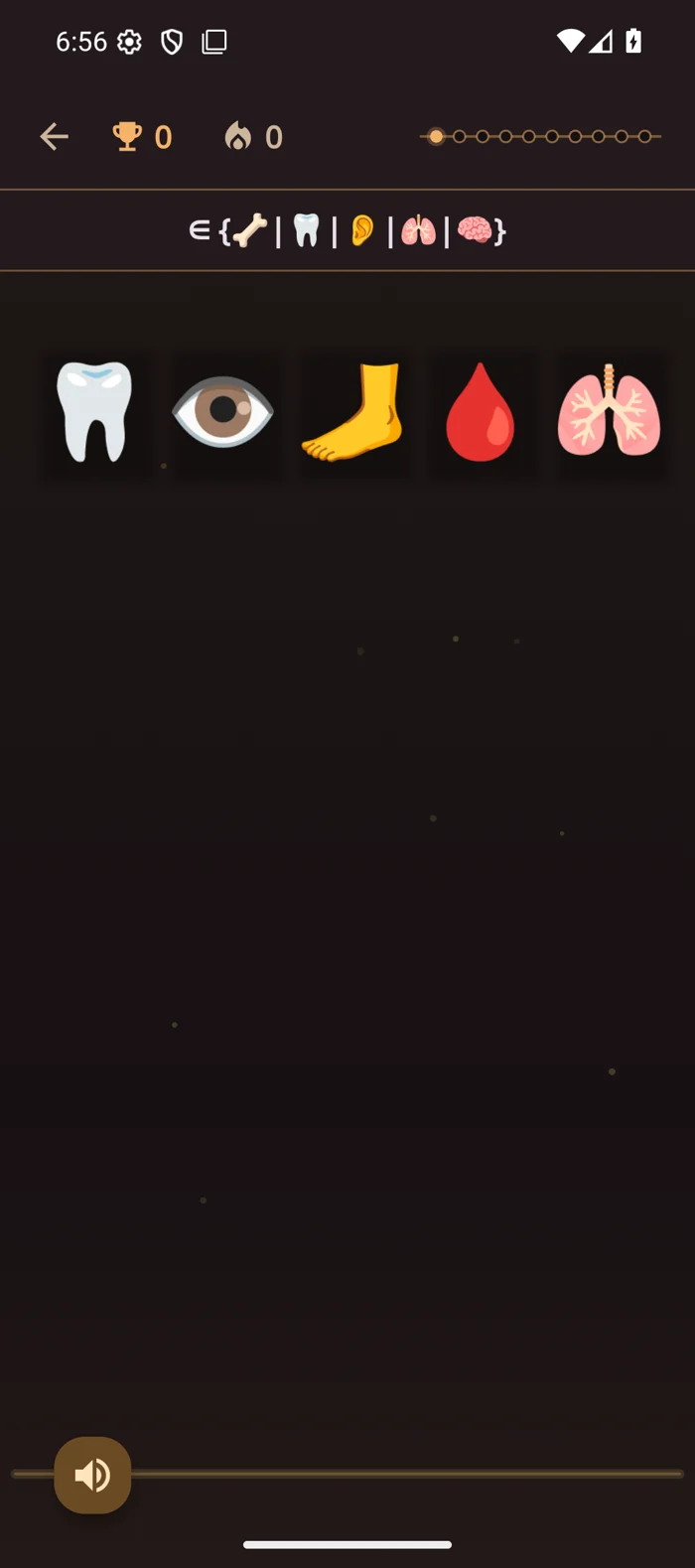
Explore the tutorials, choose your language, and plan a small reviewed content set before expanding to a full curriculum.
Plan your first class pack ↗Community review is an optional way to earn content access. Contribute accepted language reviews and corrections, and help improve the learning material for everyone.
Language exchange partners are our preferred community reviewers. Review the material you use together, help one another improve it and share your reviews and edits with the wider CradleSpeak community.
Keep every content unlock you earn. If you pause or stop contributing, your earned content stays unlocked indefinitely. Further accepted contributions let you earn more unlocks through the review program’s available content packs.
Ask about becoming a community reviewer ↗Need another path to access? Apply for scholarship pricing. Community review contributions are not required to apply.